
Accessibility in 2026

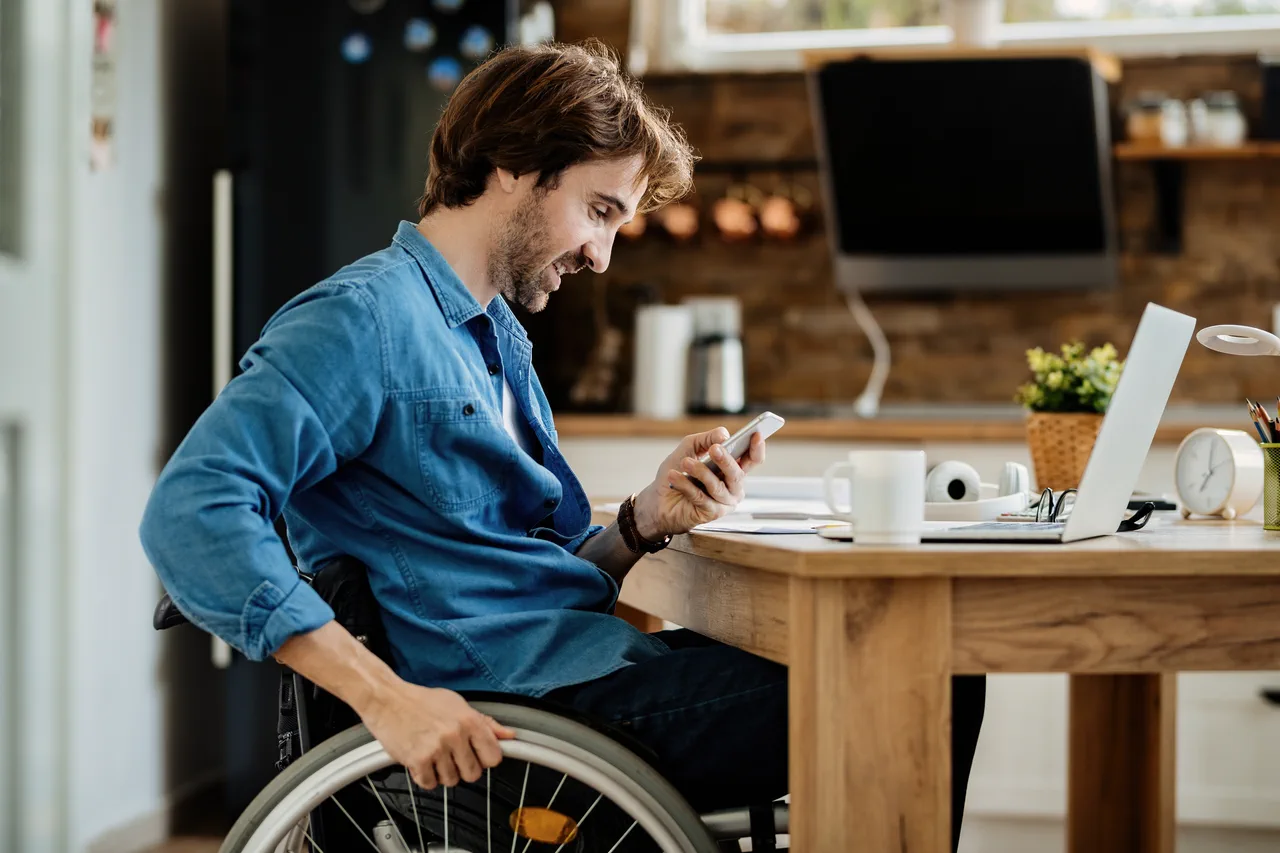
You've probably already heard about accessibility and how it can affect your website. Usually it's seen as a huge red flag that is going to cost a lot of money, or else as something you simply don't care about. Both of those are the wrong way to think about it.
Rather than seeing it as an issue, you should be looking at it as a way to increase your revenue or your viewing audience. It doesn't have to be complex, and if you set out at the beginning with accessibility in mind, it costs a lot less than trying to build it into something that already exists.
Keep it simple
Let's break a few things down. In 2025 the Purple Pound estimated that the disabled community in the UK has a spending power of £446 billion per year.
People with visual, auditory, learning, cognitive or physical impairments should be able to use the internet and navigate websites as easily as anyone else, regardless of the barriers they face or the technology they rely on.
Also think about everyone who isn't disabled today. As the population ages, the chance of developing an age-related disability rises significantly. Each of these issues can affect your revenue, so overlooking them means leaving money on the table.
Improving something as simple as your font sizes or contrast ratios already increases your audience to everybody, not just people with accessibility needs. It's a win-win situation.
The curb cut effect
Maybe you've not heard of it, or aren't aware what the curb cut effect actually is. Yes, we're talking about the simple curb cut at the corner of a pavement junction that slopes down to the road, with another one on the opposite side.
You might think they are there only to help people in wheelchairs, or blind people to find where the junction and the road are. You'd be right in that assumption, but what was missed is that the same curb cut also benefits people with prams, pushchairs, bikes and delivery drivers with trolleys, among others.
You can apply the same principle to website accessibility. Here are some common situations people experience in their daily life, and the fix for each.
Everyday examples
- A loud environment (a busy street, shouting kids) and someone may be unable to hear a video's audio, just like someone who is deaf or hard of hearing. Closed captions on your videos let people understand what is happening.
- Bright sunshine glare on a phone screen creates the same contrast problems faced by people with low vision. Increase contrast ratios and font sizes.
- Poor mobile signal, images may fail to load, as they would for users who rely on screen readers. Don't use images alone to convey information.
- Swollen fingers: tapping small targets becomes as hard as it is for someone with limited dexterity. Increase the spacing of interactive elements so they are easier to hit.
As you can see, these are not huge issues to fix, but they are issues that all of your users can be affected by, and fixing them makes your users happier and more likely to come back.
The returning customer (or not)
It's not rocket science, but if you have a good experience on a website you are more likely to return to it. People with accessibility needs find this even more important, as sometimes they literally cannot use the site they are on and will leave, never to return.
- According to the World Health Organization, as few as 3% of people can obtain the assistive technology they require to access online content.
- Research from PayPal indicates that 42% of people determine within 10 seconds whether they will stay on a website.
- Scope reports that 83% of people confine their purchasing to websites they know to be accessible.
- Of those with access needs, 71% will leave a website they find difficult to use.
- Three-quarters (75%) rank ease of use above price.
- WebAIM's survey found that 42.3% of users with access needs perceive no change in web accessibility over the past year, and 18.5% believe it has deteriorated.
Is it worth the effort?
If you want more happy customers and to make more money, then obviously it's worth it. Even if you ignore the moral obligation, this should be something you want.
There are legal implications to not having an accessible website, and I'll save those for another post. But as you can see, making something accessible is not something that should be ignored. Implementing fixes after a website has been designed and built is a lot more costly than getting it right at the beginning. There is no denying that, but even then a lot of the fixes can be added with minimal work, providing the website has been well built from the start.
If you follow these simple rules you should be able to meet a lot of the requirements without even needing an accessibility expert or added development.
- Plain English and simple language
- Descriptive alt text on images
- Colour combinations with strong contrast
- Readable, accessible fonts
- Closed captions on videos
- Logical heading structure
- Meaningful link text
- Full keyboard-only navigation
None of this is glamorous work. It's contrast ratios, heading levels and remembering that not everyone is holding a phone in one steady hand on a sunny day. But that's rather the point. Accessibility done properly is mostly invisible, and the people it helps will rarely email you to say thank you. They'll just stay a little longer, click one more page and come back next time, which when you get down to it is what all that SEO effort was meant to buy you in the first place. The curb cut was never built for a marketing department either, and look how that turned out.
If you'd like to talk about making your site more accessible, or you're planning a rebuild and want it right from the start, please get in touch.
Get in touch